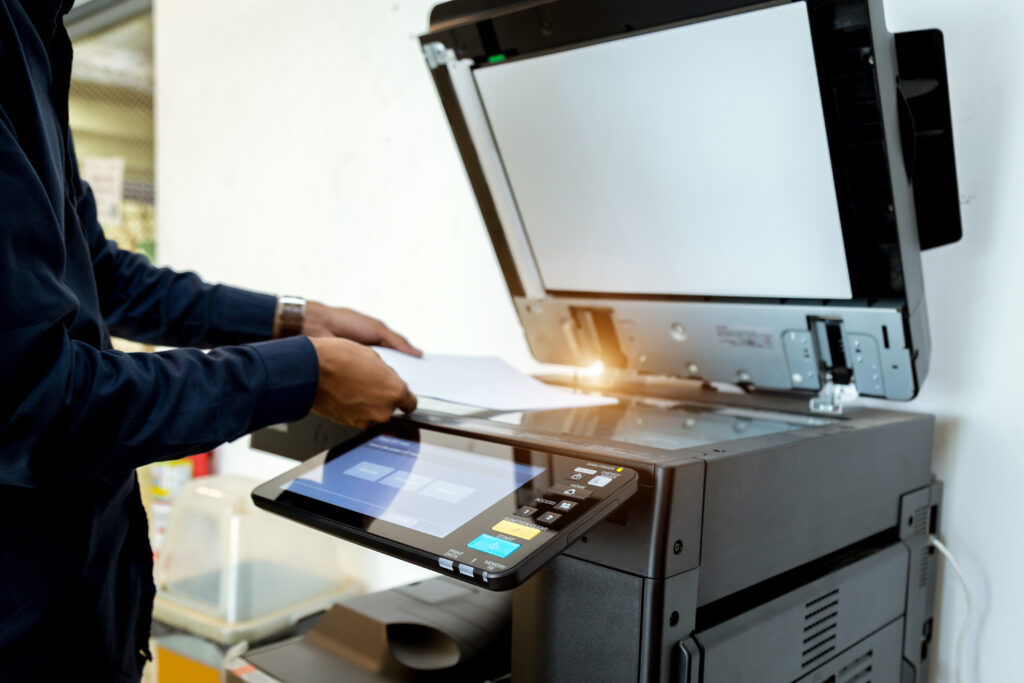
A large format printer is a significant investment, and like any piece of equipment, it requires proper maintenance to perform reliably and produce high-quality output. At RK Reprographics, we’ve worked with large format printing equipment for years, and we’ve learned what separates printers that last for years from those that break down frequently and deliver disappointing results.
Whether you’re operating an in-house printer or outsourcing to us, understanding the basics of large format printer maintenance will help you protect your investment and maintain consistent, professional output. In this guide, we’ll share the essential practices that keep printers running smoothly.
Why Regular Maintenance Matters
Regular maintenance prevents problems before they start. Dust, paper debris, and ink buildup can damage delicate printheads, disrupt color accuracy, and slow down printing speed. A well-maintained printer produces vibrant colors, sharp details, and consistent quality from job to job. It also reduces unexpected downtime and costly repairs.
Daily Maintenance Tasks
Clean the Exterior – Dust the outside of your printer daily with a soft, lint-free cloth. This prevents dust from entering ventilation ports.
Check Ink Levels – Monitor ink cartridges and refill before they run empty. Running out of ink mid-print can damage the printhead.
Inspect the Platen – Look for debris or ink splatter on the platen (the rubber roller beneath the print head). Clean gently if needed.
Verify Print Quality – Run a test print daily to catch color issues or banding before they affect customer jobs.
Weekly Maintenance Routine
Beyond daily checks, dedicate time each week to deeper maintenance tasks. This keeps your printer in peak condition and extends its operational lifespan significantly.
Use the printer’s built-in cleaning cycle to flush ink lines and maintain printhead performance.
Clean the feed rollers with a slightly damp, lint-free cloth to improve media grip and reduce paper jams.
Check and clean the media tray and guides, removing any dust or paper fragments.
Inspect hoses and connections for cracks or leaks that could compromise printing quality.
Monthly Deep Cleaning
Once a month, perform a more thorough cleaning. Consult your printer’s manual for specific instructions, but generally include:
Cleaning the printhead with manufacturer-approved cleaning cartridges.
Wiping down the media advance roller with distilled water and a soft cloth.
Checking for and removing any ink splatter inside the equipment.
Verifying that all paper guides are properly aligned and secure.
Managing Ink and Supplies
Proper supply management directly impacts printer longevity and output quality. Always use manufacturer-approved inks and media. Compatible or aftermarket supplies might save money initially, but they can damage delicate components and void warranties. We recommend ordering supplies from reliable sources before stock runs critically low.
At RK Reprographics, we use only premium inks and substrates in our equipment. This approach delivers superior color accuracy and reliability, and we pass those benefits directly to our clients through outstanding print quality.
Environmental Factors
Your printer’s operating environment matters tremendously. Large format printers perform best in stable conditions: temperature between 60-75°F, humidity between 35-65%, and away from direct sunlight. Fluctuating temperatures and humidity can affect media performance and ink adhesion. Dust-prone environments require more frequent cleaning. If your printer is located in a less-than-ideal space, consider environmental controls or more frequent maintenance.
Recognizing When to Seek Professional Service
Some maintenance tasks require professional expertise. If you notice consistent color problems despite running cleaning cycles, unusual sounds during operation, paper feed issues that persist after cleaning, or visible ink leaks, it’s time to contact a service technician. Attempting complex repairs without proper knowledge can cause more damage.
This is one reason many organizations choose to outsource their large format printing to us. Our team maintains equipment according to manufacturer specifications and handles all service needs, so you avoid the hassle entirely.
Frequently Asked Questions
More large format printer maintenance content.
How often should we run the cleaning cycle?
For regular daily use, running a cleaning cycle weekly is ideal. If you notice color banding or quality issues, run it more frequently. Don’t overdo it though—excessive cleaning wastes ink and can wear components faster.
What’s the difference between a light and deep cleaning?
A light cleaning cycle flushes ink through the lines quickly—takes a few minutes. A deep cleaning is more thorough and uses more ink but really cleans the system. Use light cleaning weekly and deep cleaning monthly or as needed.
Can we use cheaper compatible inks?
We don’t recommend it. Compatible inks may be cheaper upfront but can cause printhead clogs, color inaccuracy, and damage that’s expensive to repair. The cost savings disappear when you factor in downtime and service calls.
How long should a large format printer last with proper maintenance?
Well-maintained industrial and commercial printers often last 8-10 years or longer. Without proper maintenance, you might see problems within 2-3 years.
Maintaining your large format printer is an investment in quality, reliability, and longevity. Follow these practices and your equipment will reward you with consistent, professional results. If managing printer maintenance feels overwhelming, we’re here to help—our team at RK Reprographics handles all the technical details so you can focus on running your business.
Seasonal Maintenance Schedules
Different seasons present different challenges for printer maintenance. In winter, heating systems can reduce humidity, affecting media and ink performance. Summer heat and dust require intensified cleaning schedules. Planning seasonal maintenance routines ensures consistent performance year-round.
Warranty and Service Contracts
Understanding your printer’s warranty coverage protects your investment. Most manufacturers offer standard 1-year warranties covering defects in materials and workmanship. Extended service contracts can significantly reduce unexpected repair costs for equipment with high utilization rates. Evaluate whether your printing volume justifies extended coverage.
Troubleshooting Common Issues
Understanding how to diagnose printer problems helps minimize downtime. Color banding indicates printhead issues requiring cleaning. Paper jams often result from debris or media misalignment. Inspect guides and rollers carefully when troubleshooting. Unusual noises suggest mechanical problems requiring professional service rather than attempted home repairs.
Training and Documentation
Proper operator training prevents many maintenance issues. Ensure all team members understand proper media handling, cartridge installation, and basic troubleshooting. Keep detailed maintenance logs documenting cleaning schedules, cartridge replacements, and any service calls. This documentation helps identify patterns and plan preventive maintenance effectively.
Professional Maintenance Services
While routine maintenance can be handled in-house, professional service provides deeper expertise. Authorized service technicians have specialized tools and training for complex adjustments and repairs. Annual professional maintenance visits help identify potential problems before they impact productivity. Consider professional service part of your equipment’s total cost of ownership.
Planning for Equipment Replacement
No printer lasts forever. Plan for equipment replacement on a 3-5 year cycle depending on utilization and technology advancement. Extended maintenance beyond 5-7 years becomes increasingly costly and unreliable. Budgeting for planned replacement prevents emergency purchases and ensures you maintain current technology capabilities.
Outsourcing vs. In-House Maintenance
For organizations without dedicated print management resources, outsourcing printing services to professional providers like RK Reprographics eliminates maintenance responsibility while ensuring optimal output quality. Professional providers invest in regular maintenance, staff training, and equipment upgrades, delivering value that often exceeds in-house solutions for moderate to high-volume requirements.
Print Quality Monitoring and Standards
Maintaining consistent print quality requires regular monitoring and testing. Establish baseline quality standards through test prints using standard documents. Compare current output to baseline identifying degradation. Professional service providers use consistent test procedures ensuring quality standards across all equipment.
Ink Cartridge Management and Recycling
Proper cartridge management extends equipment life and reduces costs. Using manufacturer-approved cartridges prevents damage and maintains warranties. Recycling programs handle used cartridges responsibly. Understanding cartridge lifecycle management supports cost-effective operations.
Common Maintenance Mistakes to Avoid
Inadequate maintenance schedules create cascading problems reducing equipment lifespan. Over-aggressive cleaning can damage delicate components requiring professional repair. Using non-approved supplies violates warranties and damages equipment. Ignoring warning indicators allows minor issues to become major failures. Professional service providers help organizations avoid these costly mistakes through proper training and oversight.
RK Reprographics Maintenance Excellence
At RK Reprographics, we maintain equipment to the highest professional standards, conducting preventive maintenance on rigorous schedules. Our team consists of trained technicians understanding complex equipment requirements. We maintain detailed maintenance logs tracking every service performed. Our commitment to equipment maintenance ensures consistent, high-quality output supporting your project timelines. By outsourcing printing to professional providers, you eliminate in-house maintenance burden while ensuring optimal equipment performance. See our large format printing or contact us. Resources at printing.org.